Free menu-bar app for macOS

Your phone
is the
trackpad.

Pad turns the phone in your hand into a trackpad and keyboard for your Mac — over your own Wi-Fi. Nothing to install on the phone. No account. No cloud.

v1.0 · macOS 12+ · Intel & Apple Silicon · 1.5 MB · notarized by Apple

Notes
MacBook Airconnected
drag here
esc⇥⌘⌥⌃⇧⌫ ←↑↓→⏎

↖ drag on the phone · tap to click · ⌨ to type

0apps to install on the phone — it's a web page you add to your home screen
0accounts, logins or servers — the Mac and phone talk directly
1QR code to scan, once per Mac

01How it works

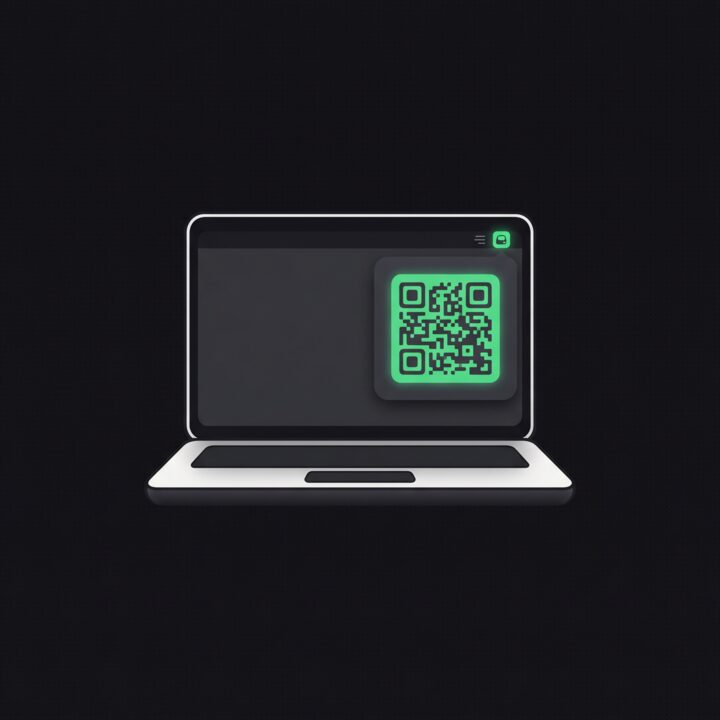
  1. A laptop with Pad's menu open, showing a QR code

    Open Pad on your Mac

    It lives in the menu bar. Click the hand icon and a QR code appears, with your Mac's private address and key.

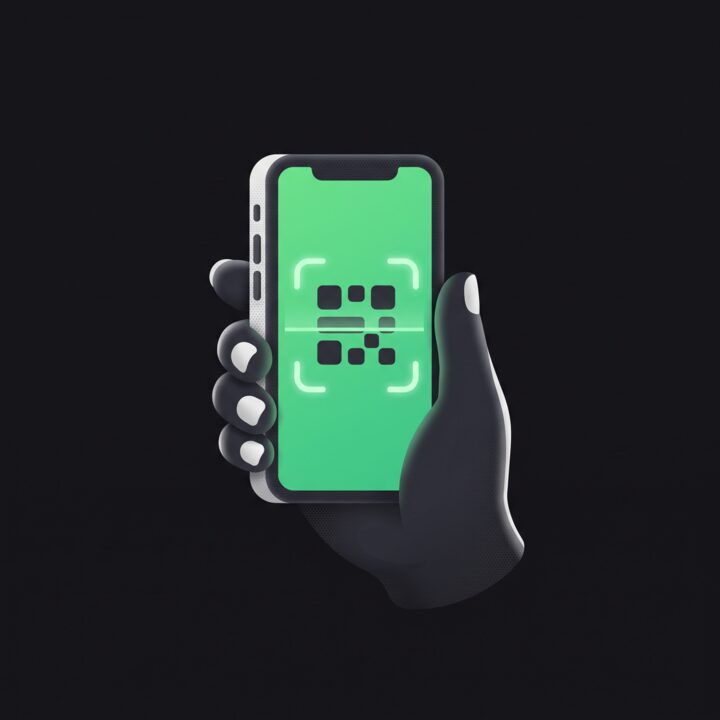
  2. A phone camera scanning the QR code

    Scan it with your phone

    Any phone with a camera and a browser. Then Share → Add to Home Screen for a full-screen app.

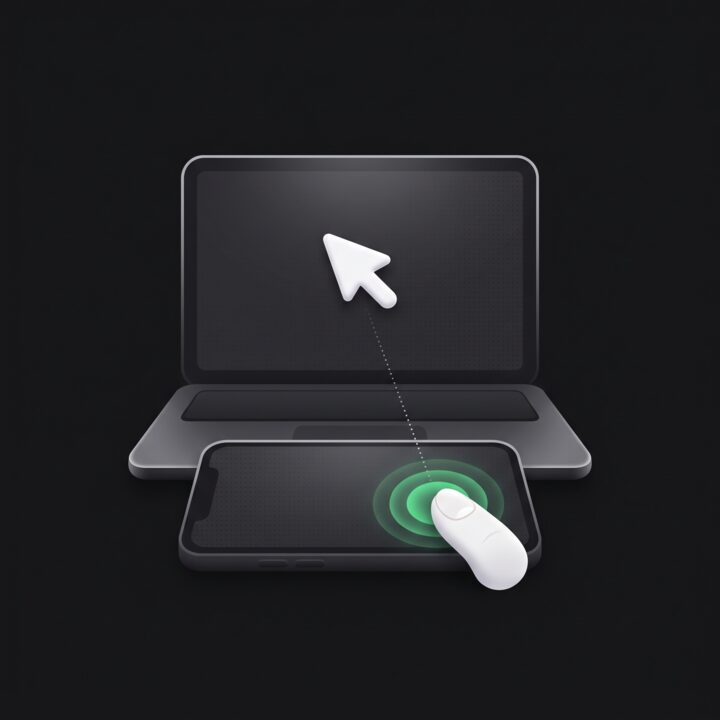
  3. A thumb on the phone moving the cursor on the laptop

    Use it like a trackpad

    Glide to move, tap to click, two fingers to scroll. Open the keyboard and type straight into the Mac.

02Everything a trackpad does

Gestures

Feels like the real thing

  • tapclick — twice for a double-click
  • two-finger tapright-click
  • two-finger dragscroll, with momentum
  • hold, then dragselect text, move windows

Pointer acceleration and three speeds, so the whole screen is one swipe away.

Keyboard

Your phone's keyboard, typing on the Mac

Autocorrect, dictation, emoji and Chinese input all work, because the phone does the typing.

Shortcuts

⌘ ⌥ ⌃ ⇧ on any layout

One-shot modifiers, arrows, esc and tab. ⌘A stays ⌘A on AZERTY and QWERTZ Macs too.

Mac

Runs on most Macs

macOS 12 Monterey or later. One app for Intel and Apple Silicon — MacBooks from 2015 onward.

Phone

iPhone or Android

Any modern browser. No App Store, no Play Store, nothing to update.

Price

Free, no strings

No ads, no account, no subscription. The app never phones home. Tip if you like it.
03One phone, every Mac

Studio at the office, Air on the couch, the old one running the music. Give each Mac its own icon colour in Pad's menu, and your home screen tells them apart at a glance. The pad shows which Mac you're driving.

Studio
Air
M1
Living room
Office
Pad
Kitchen
Server
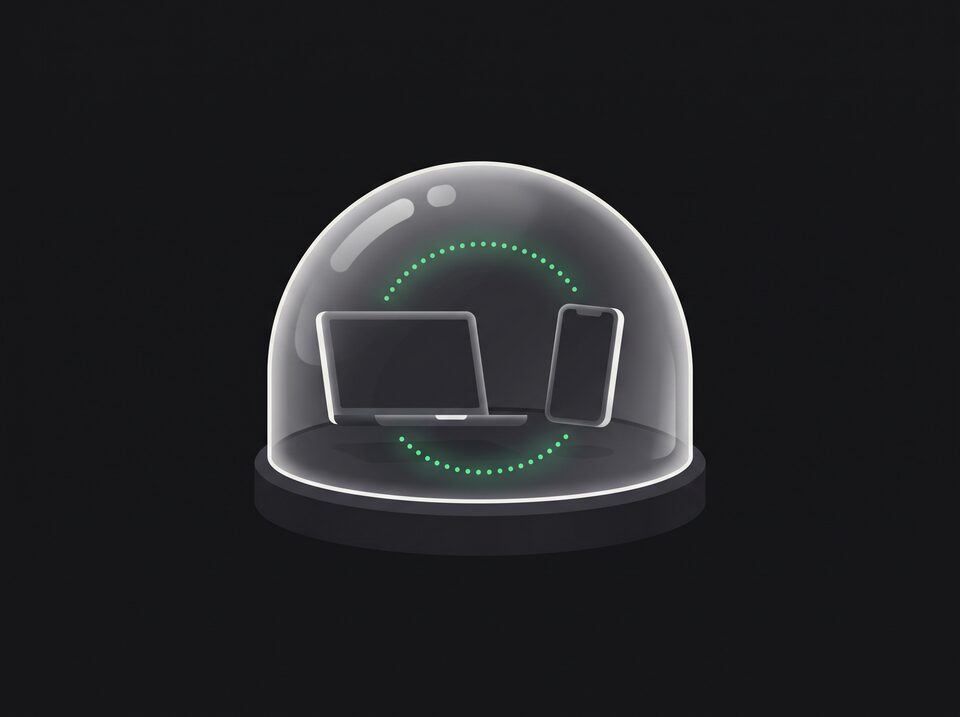
A laptop and a phone talking inside a glass dome

04Stays on your Wi‑Fi

  • The phone talks straight to your Mac over your local network. Nothing goes through the internet.
  • Every Mac has its own secret key in the QR code. Without it, the page won't even load.
  • Works behind strict firewalls, and with a VPN on (turn on its “allow LAN” option).
  • Pause input from the menu bar any time, without disconnecting.

Pad is free

Keep it that way.

No ads, no account, no subscription, and the app never phones home. If Pad saved your evening on the couch, you can chip in what you like — it pays for the Apple developer account that keeps Pad notarized.

Any amount · secure checkout by Stripe

05Questions

Why does Pad ask for Accessibility access?

macOS only lets apps move the pointer and press keys with that permission. Pad uses it for exactly that — it doesn't read your screen or what you type on the Mac.

Do I need internet?

No. The phone and the Mac only need to be on the same Wi-Fi. Pad works on a plane, behind firewalls and on networks with no internet at all.

The page doesn't load on my phone.

Check that both are on the same Wi-Fi. If a VPN is on, enable its “allow LAN” or “bypass local network” option. Guest networks often block devices from seeing each other.

Can someone else on my Wi-Fi control my Mac?

Not without your Mac's key, which is only in the QR code and link Pad shows you. Delete ~/.pad-token to make a new one.

Does it work with Android or an iPad?

Yes — anything with a modern browser and a touch screen.

How do I open it at login?

Turn on “Open at login” in Pad's menu (macOS 13 and later). On Monterey, add Pad in System Preferences → Users & Groups → Login Items.

Pick up your phone.
That's the trackpad.

Download Pad for Mac

Free · v1.0 · macOS 12+ · Intel & Apple Silicon · notarized by Apple

Unzip, drag Pad to Applications, open it, and allow Accessibility when asked.